Bundle99 for Windows
For Windows PCs with an x64 processor.
Windows & macOS
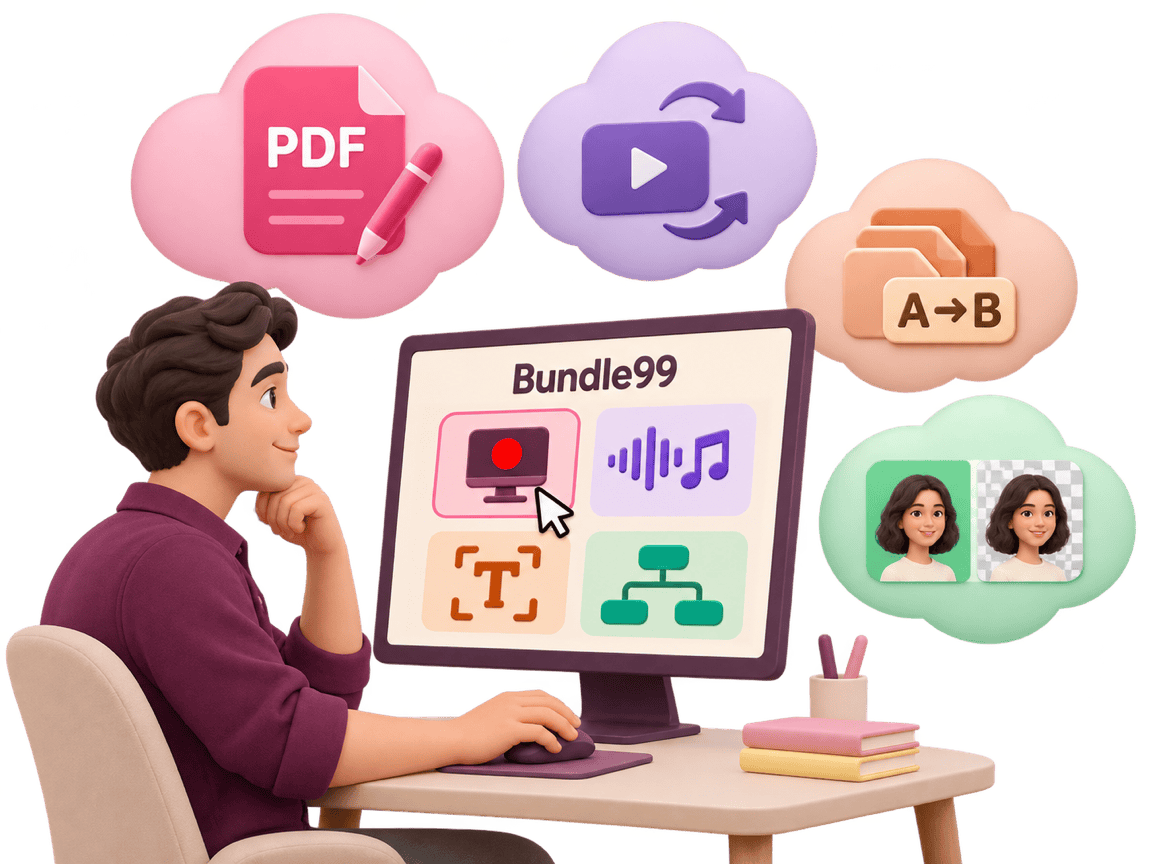
Edit PDFs, convert videos and other files, and organize folders with tools built for everyday tasks. Use on-device AI for jobs like removing photo backgrounds.
Preview and safely rename files or folders with reusable rules.
View toolJoin PDF files in the listed order and verify the new document.
View toolResize images by dimensions or percentage, with fit and fill modes.
View toolConvert video to MPEG-4 Part 2 MP4 or VP9 WebM.
View toolUse one desktop app for files, PDFs, images, video and audio. Pick a tool for a quick fix, or save a series of steps as a workflow you can run again.
Video conversion, text recognition for scans and AI background removal use optional add-ons. Add only what you use to save disk space.
In Settings, choose how many jobs can run at once. A lower limit can leave more room for other apps while you work.
Find files with identical contents, even when their names differ. Review the matches and decide which copies you want to remove.
Exact Duplicate FinderWith its optional model installed, AI Background Remover works on your computer. Export a transparent PNG without uploading your photo.
AI Background RemoverResize, watermark and convert a batch of images in one run. Save the steps in Visual Workflow Builder, then choose a new batch next time.
Explore Workflow BuilderKnow what stays on your computer and when a tool needs an internet connection.
See system requirementsResize images, merge PDFs and rename files in the desktop app without uploading them.
Preview a batch rename before it changes your files. Bundle99 keeps a record that can help you undo supported renames.
Image Resizer and PDF Merger save new output files, so your originals stay intact.
Activation, update checks, component downloads and tools that access online services require a connection.
Remove photo backgrounds with an optional local AI model. No image upload needed.
Enlarge photos with standard resizing or an optional experimental 4× AI mode.
Resize a batch of photos at once and keep their proportions.
Convert still images between formats such as JPEG, PNG and TIFF.
Add a logo or text credit to copies of your photos.
Edit supported text and images in a new copy of a PDF.
Make scanned PDFs searchable with an optional text recognition add-on.
Turn supported PDF text and tables into editable Word or Excel files.
Reorder, rotate or remove pages and save a new PDF.
Combine several PDFs into one file in the order you choose.
Convert supported videos to MP4 or WebM.
Make a video smaller for sharing, with quality or target size controls.
Trim local clips to the part you want to keep.
Record a screen, window or region with optional microphone and system audio.
Arrange and mix clips on a timeline, then export a stereo WAV.
Preview new names for a batch of files before applying them.
Find copies with identical contents, even if the names differ.
See which files are missing, added or changed between folders.
See which folders and files take up the most room on your drive.
Save a sequence of supported actions and run it again on new files.
Some tools, including video and audio processing, require optional add-ons.
US$99 one-time
PDFs, photos, video, files and more in one desktop app.
See pricingUS$2,900 less than the estimate
Illustrative estimate based on about US$30 per utility. Actual prices vary.
For Windows PCs with an x64 processor.
For Mac computers with Apple silicon.
Explore for MacLicensed tools that support offline use can run without a connection until the app needs to verify your license again.
Some tools need optional components, such as FFmpeg, OCR language data or local image models. Check the individual tool page for requirements.
Folder watches and scheduled rules run while Bundle99 is open. Only supported actions are eligible for those rules.
Use the desktop transfer or deactivate flow with your license proof. If the old device is unavailable, open a support ticket so ownership can be verified.